Changelog
Product updates
Stay up to date with the latest product improvements, new features, and bug fixes.
This Month
Target Pages in Knowledge Base
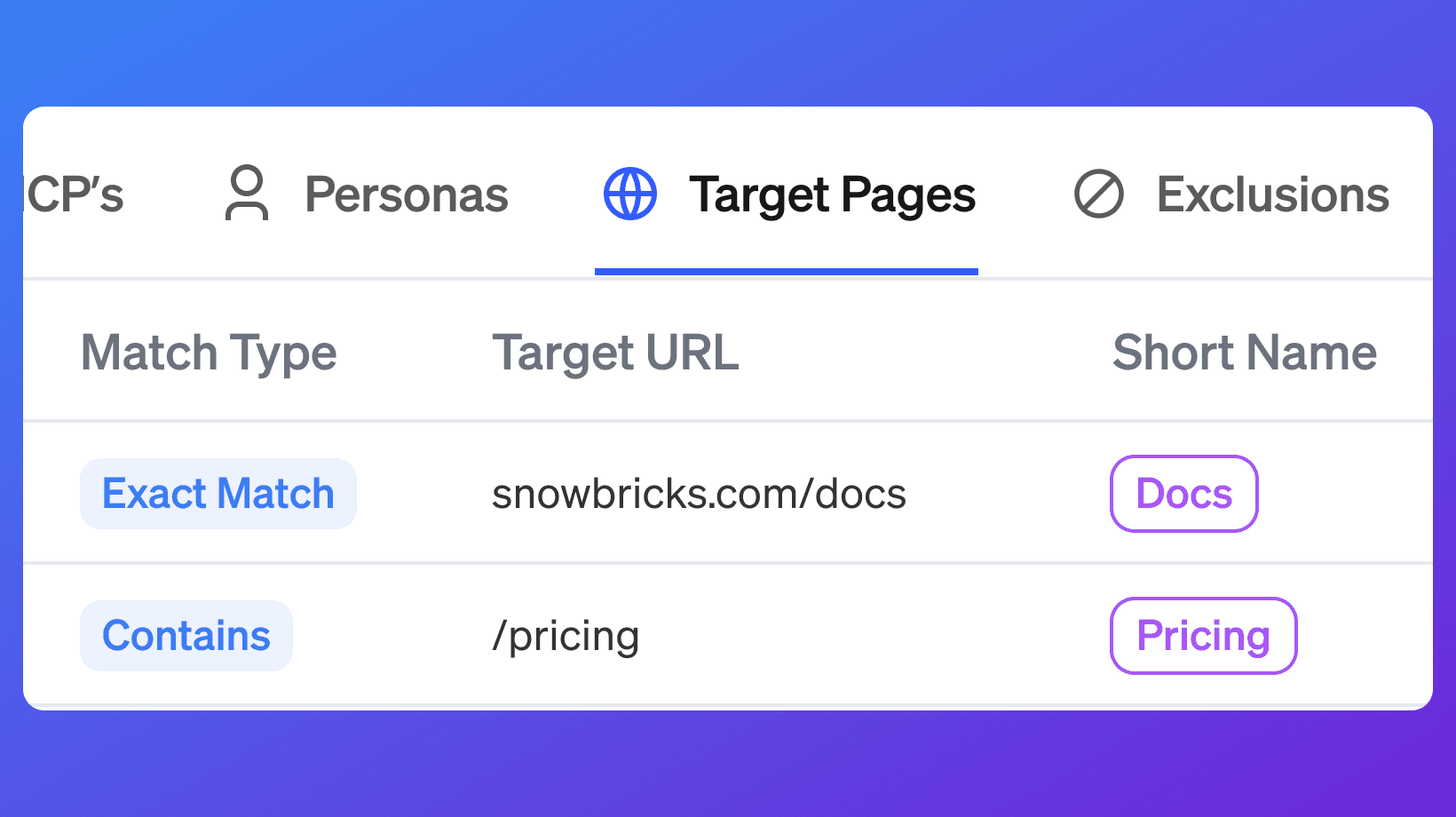
Added Target Pages to the Knowledge Base, so you can define the pages that matter most — pricing, demo, product — and track visits to them as signals. Signals and Target Lists can now be filtered and sourced by Target Page activity, with active Target Pages pushing visitor data to HubSpot in real time.
HubSpot Integration Improvements
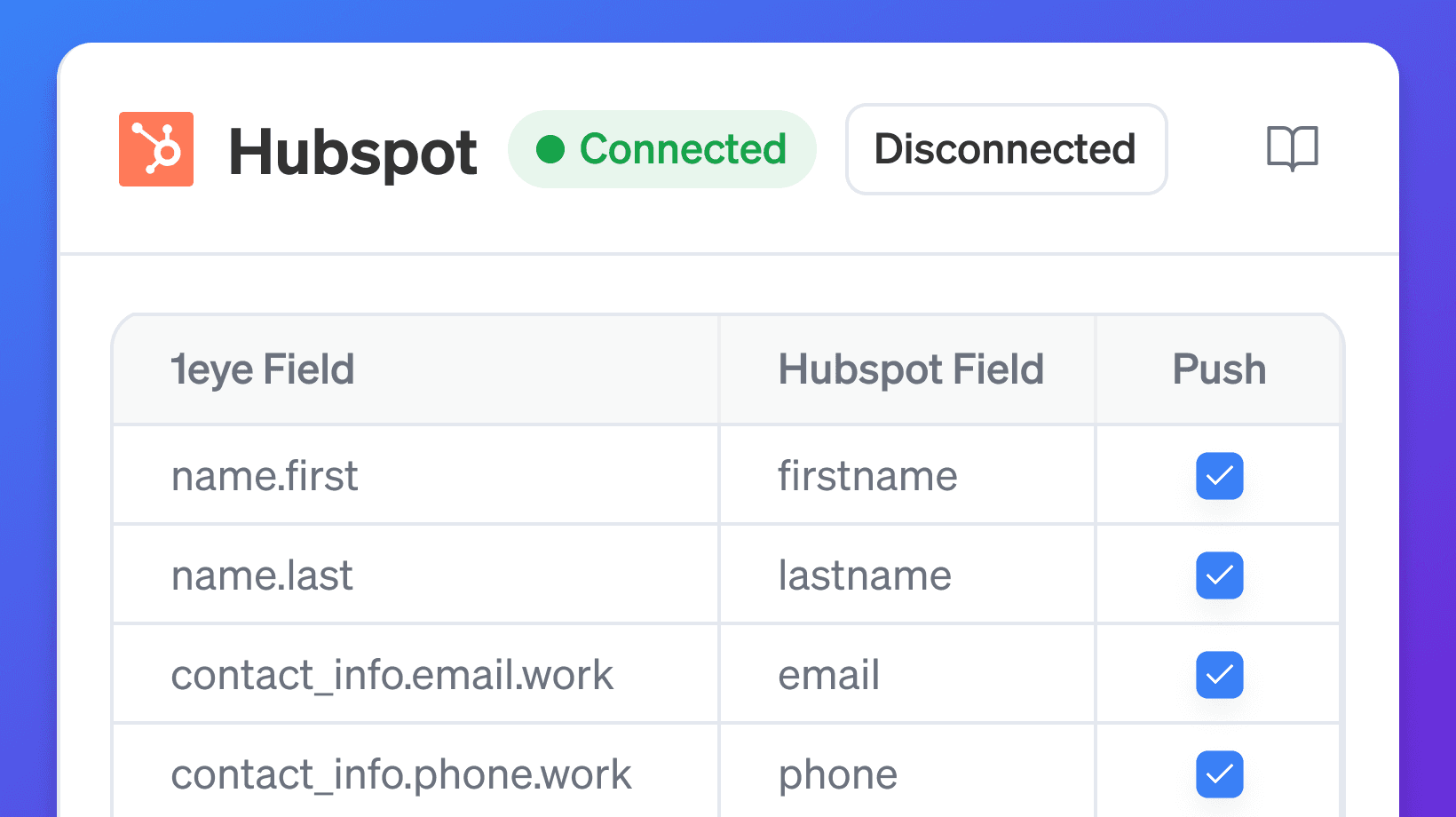
Expanded HubSpot integration support with better field mapping related to target pages and more reliable sync behavior, making it easier to keep company and contact data accurate and up to date.
Better Signals & Target List Workflows
Added stronger filtering, URL-based search, and a smoother workflow for building Target Lists from Signals, making it faster to move from discovery to action.
Web App UI Refresh
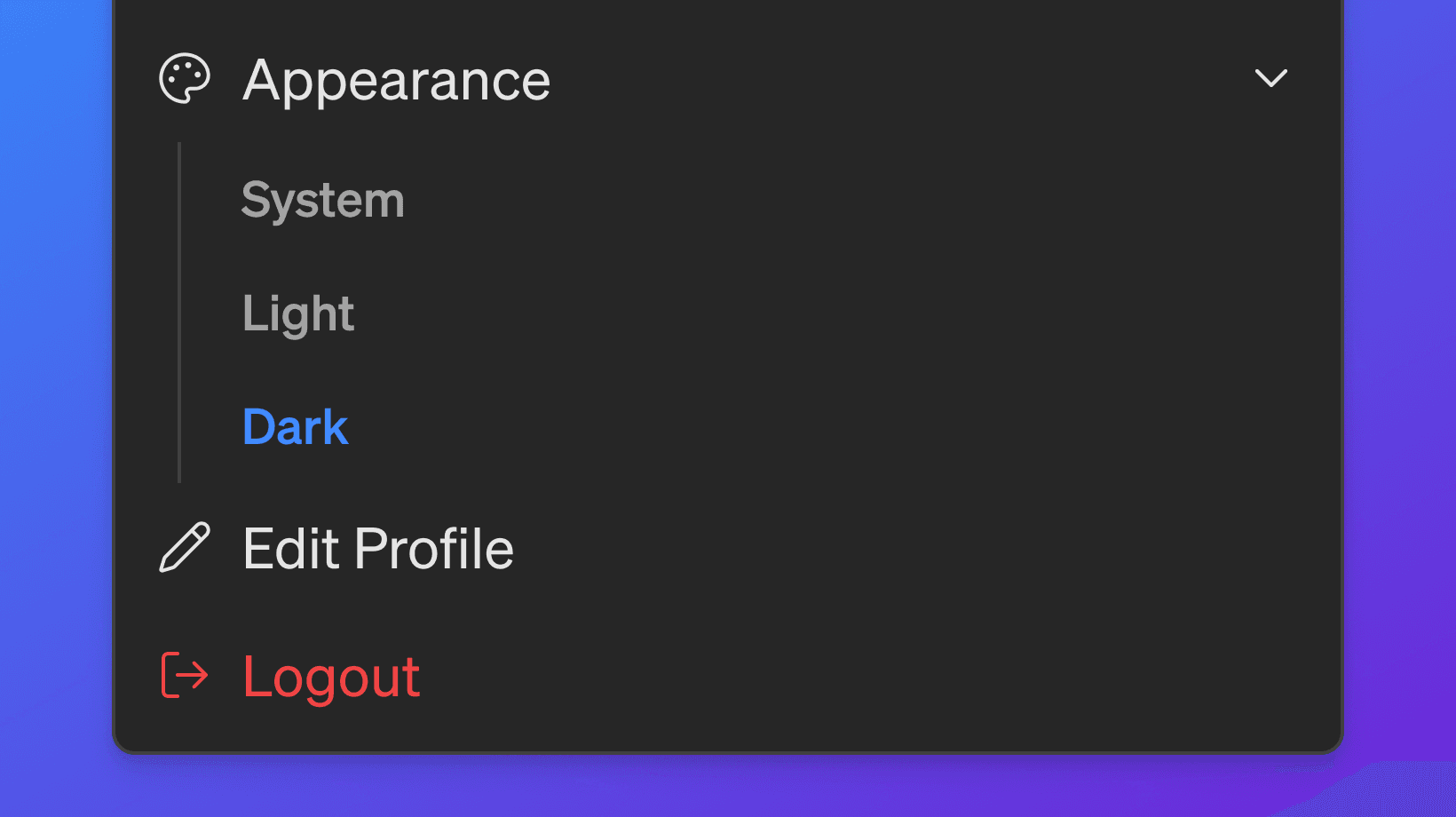
Refreshed the web app experience across Dashboard, Conversations, Signals, Campaigns, and Target Lists for a cleaner, more consistent interface, and added dark mode support across the app.
Timezone Selection at User level
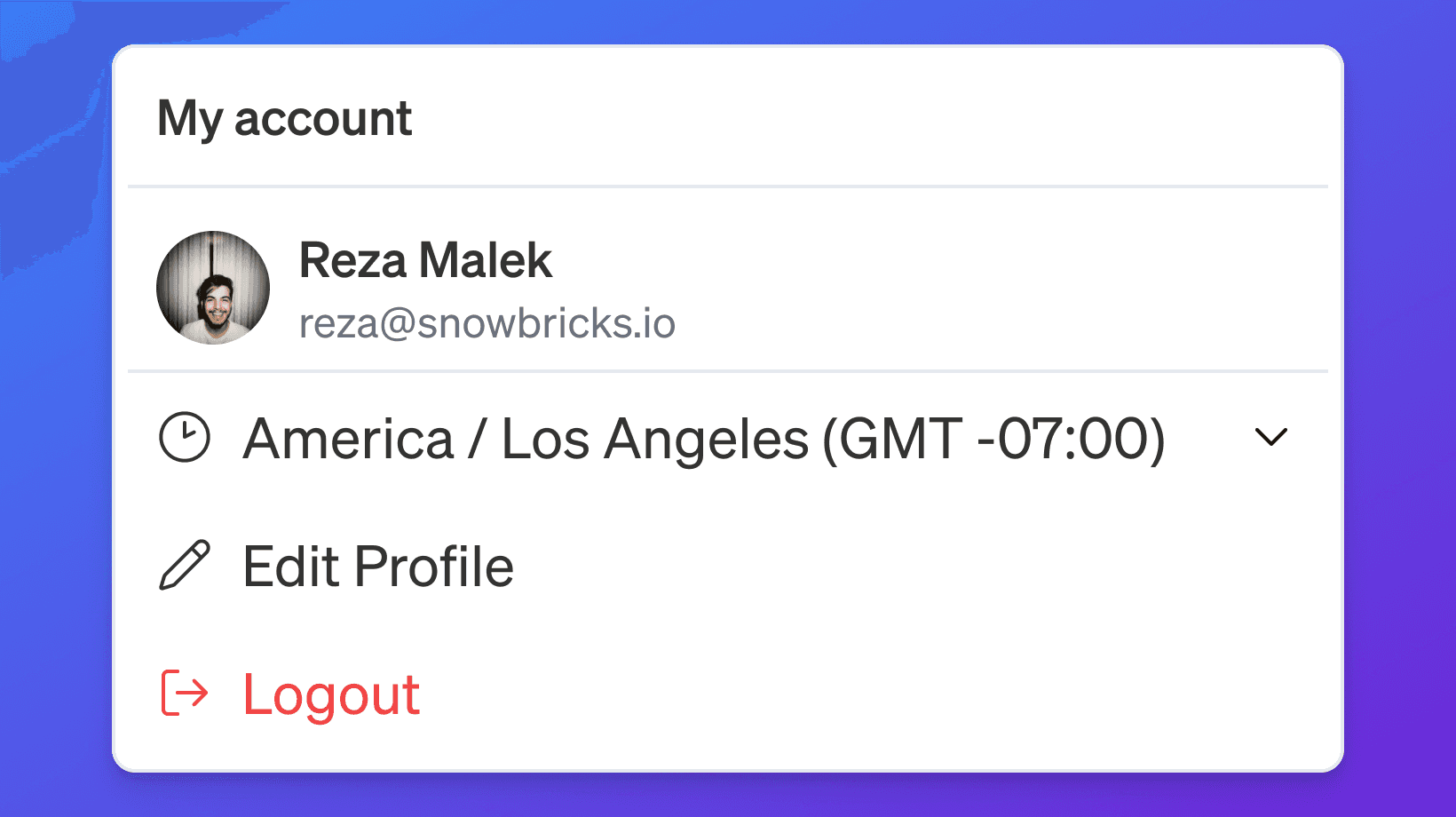
Added timezone selection for your account, so you can switch to a different timezone and see every date and activity converted automatically. This makes it easy to review campaigns and schedules configured in a timezone other than your own.
Campaign Setup & Editing Improvements
Improved campaign setup and editing with clearer configuration status, making it easier to see where a Campaign stands and manage changes with confidence.
Target Pages
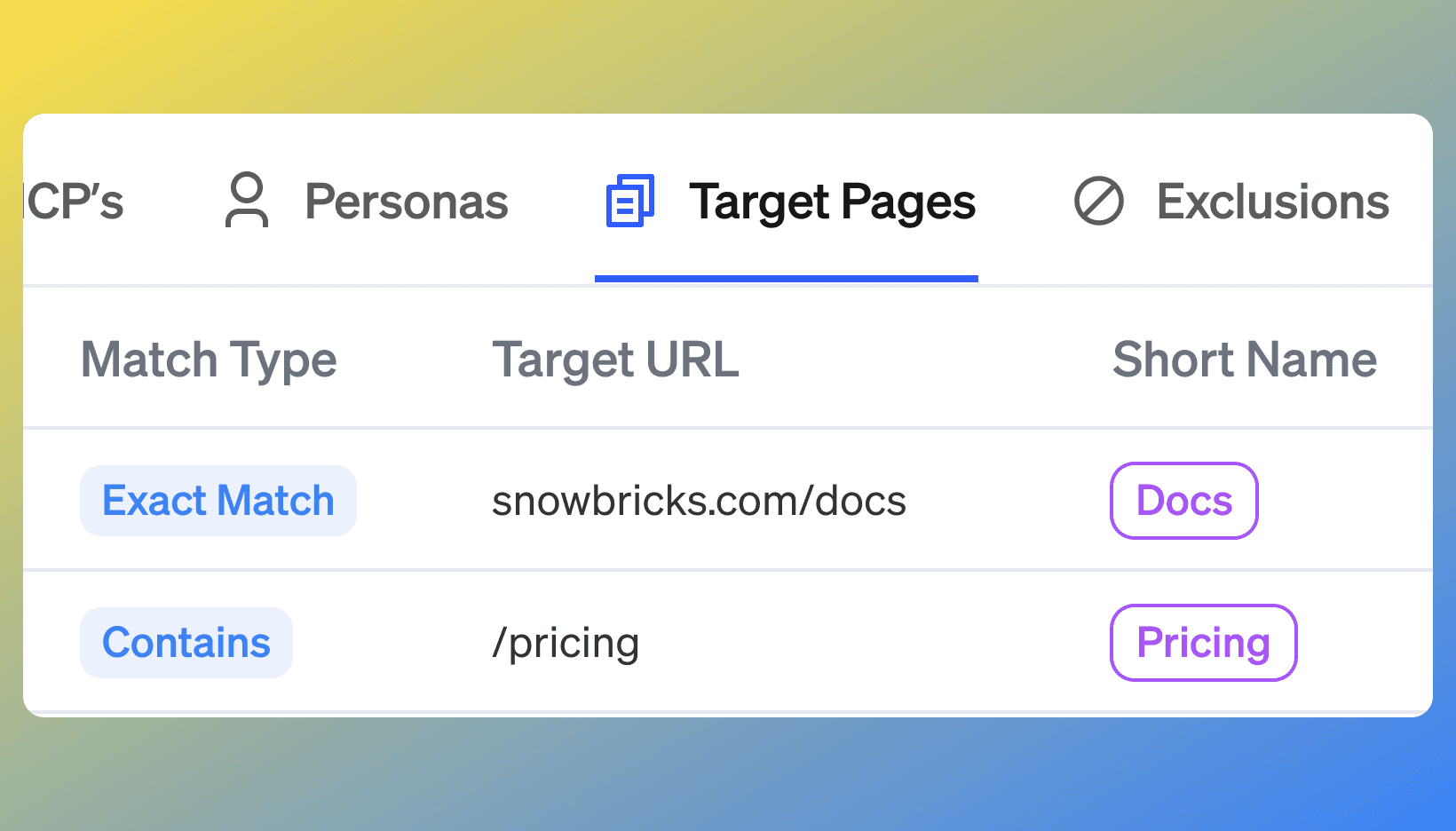
Added Target Pages to the Knowledge Base, so you can define the pages that matter most — pricing, demo, product — and track visits to them as signals. Signals and Target Lists can now be filtered and sourced by Target Page activity, with active Target Pages pushing visitor data to HubSpot in real time.
HubSpot Integration Improvements
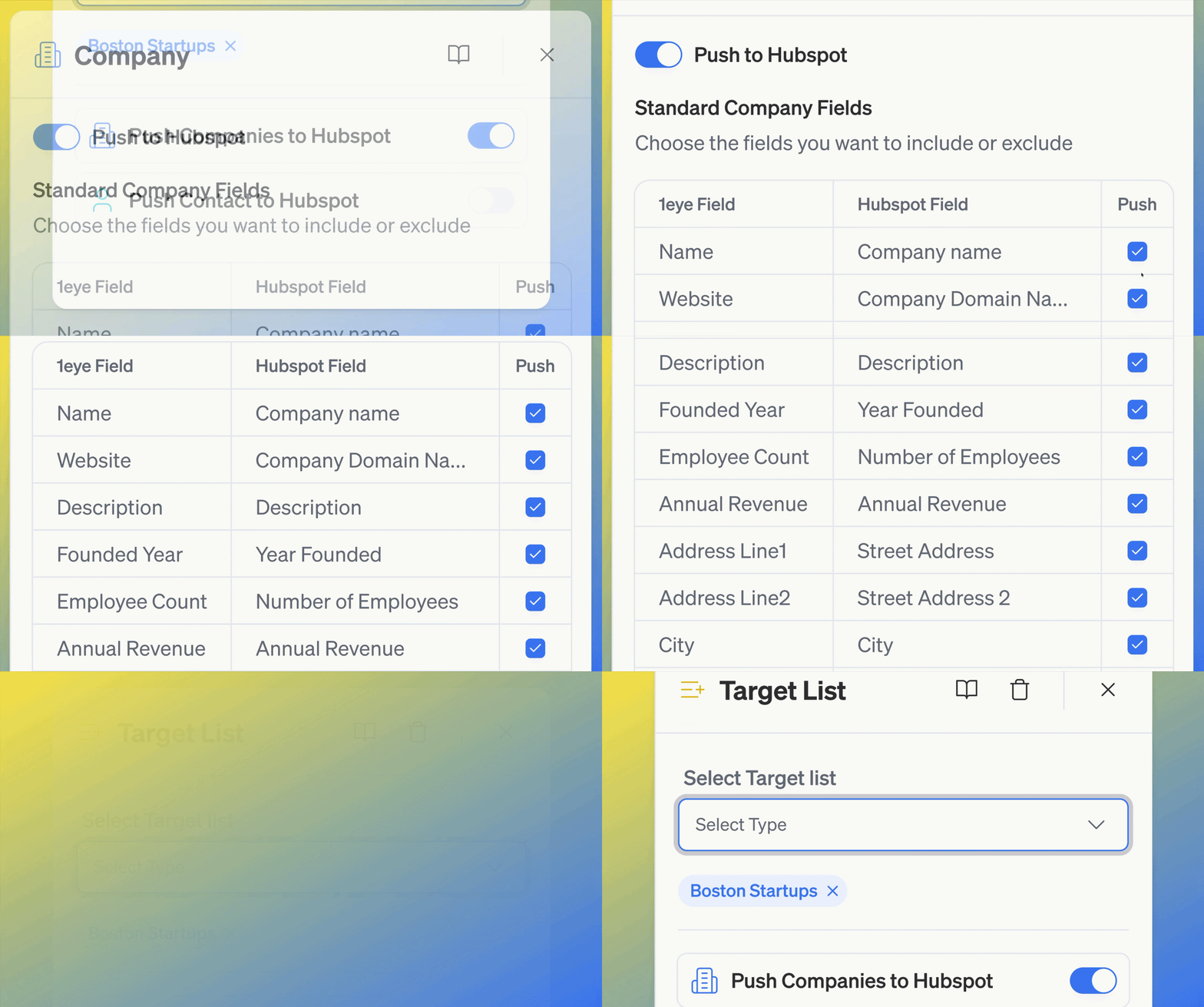
Expanded HubSpot integration support with better field mapping related to target pages and more reliable sync behavior, making it easier to keep company and contact data accurate and up to date.
Better Signals & Target List Workflows

Added stronger filtering, URL-based search, and a smoother workflow for building Target Lists from Signals, making it faster to move from discovery to action.
Web App UI Refresh
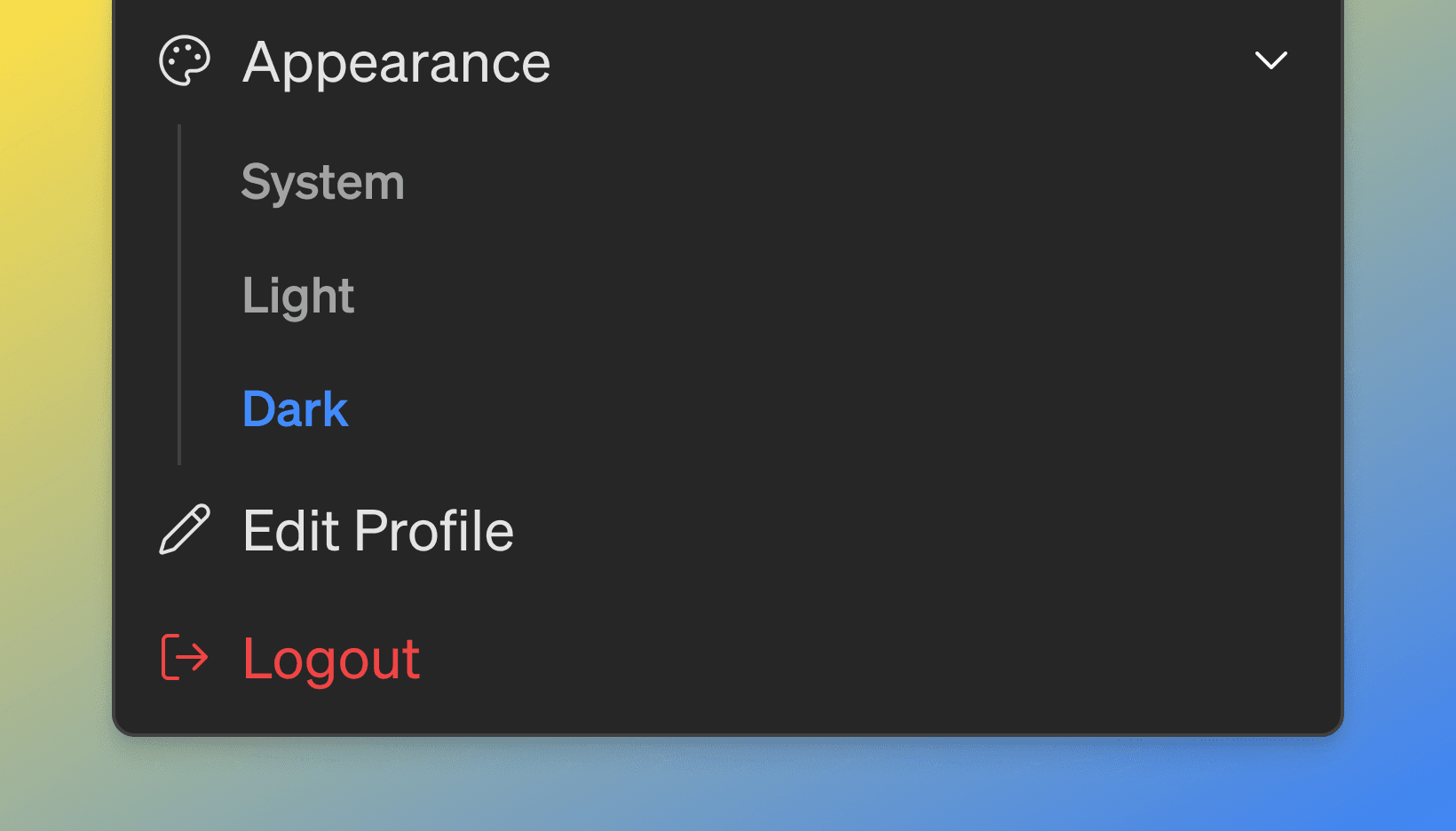
Refreshed the web app experience across Dashboard, Conversations, Signals, Campaigns, and Target Lists for a cleaner, more consistent interface, and added dark mode support across the app.
Timezone Selection at User level
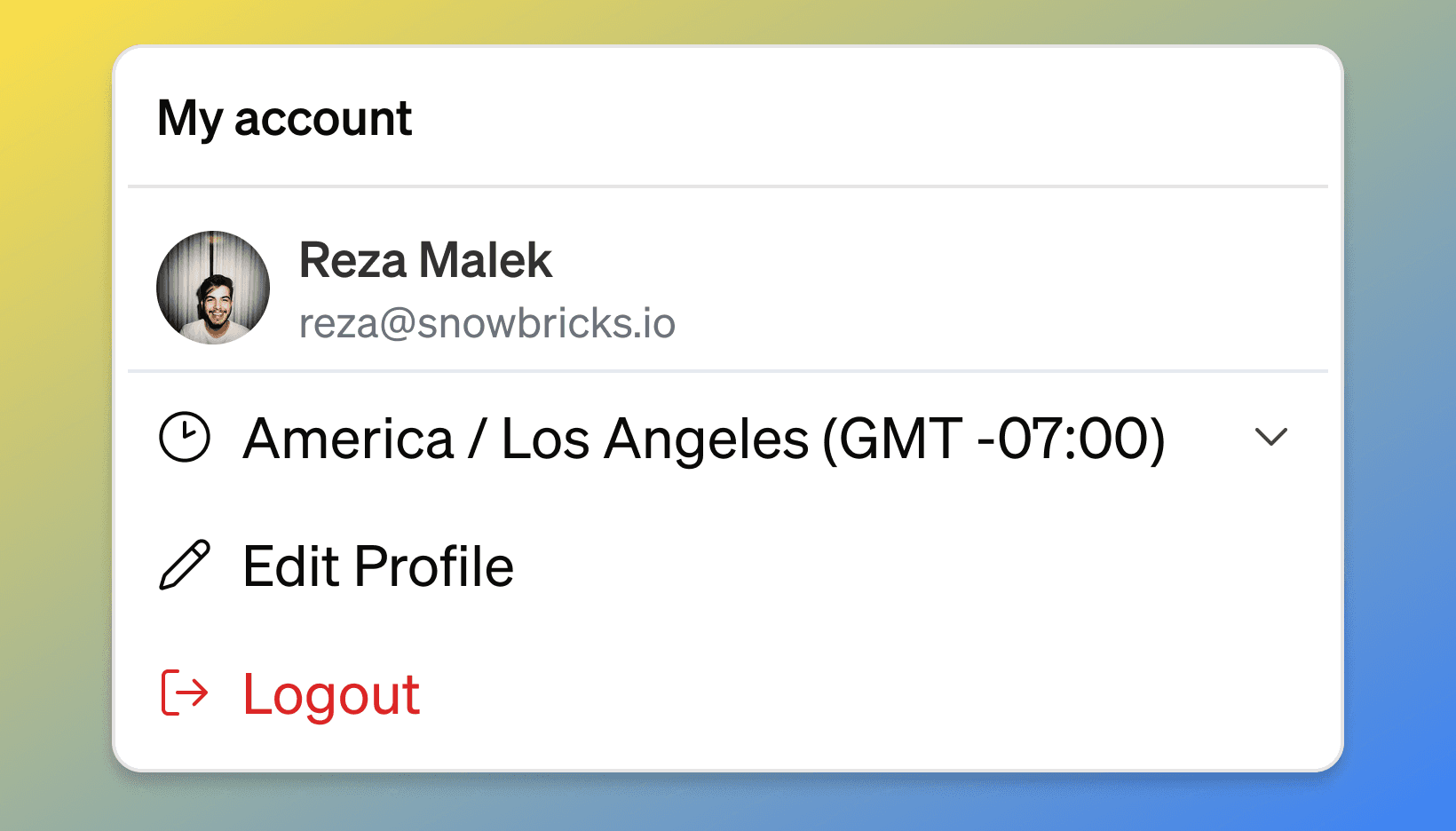
Added timezone selection for your account, so you can switch to a different timezone and see every date and activity converted automatically. This makes it easy to review campaigns and schedules configured in a timezone other than your own.
Campaign Setup & Editing Improvements
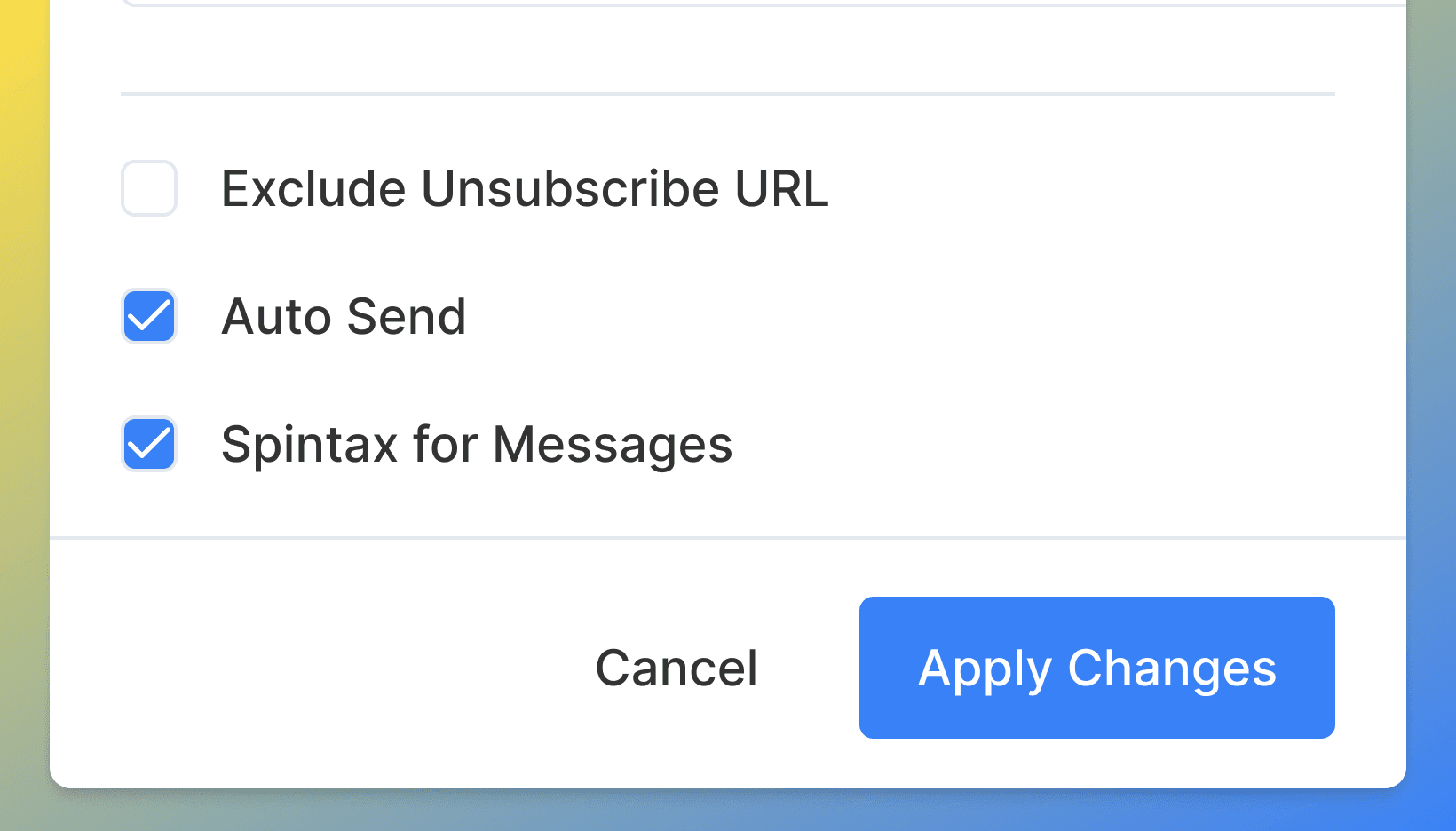
Improved campaign setup and editing with clearer configuration status, making it easier to see where a Campaign stands and manage changes with confidence.
Microsoft Sign-In Support
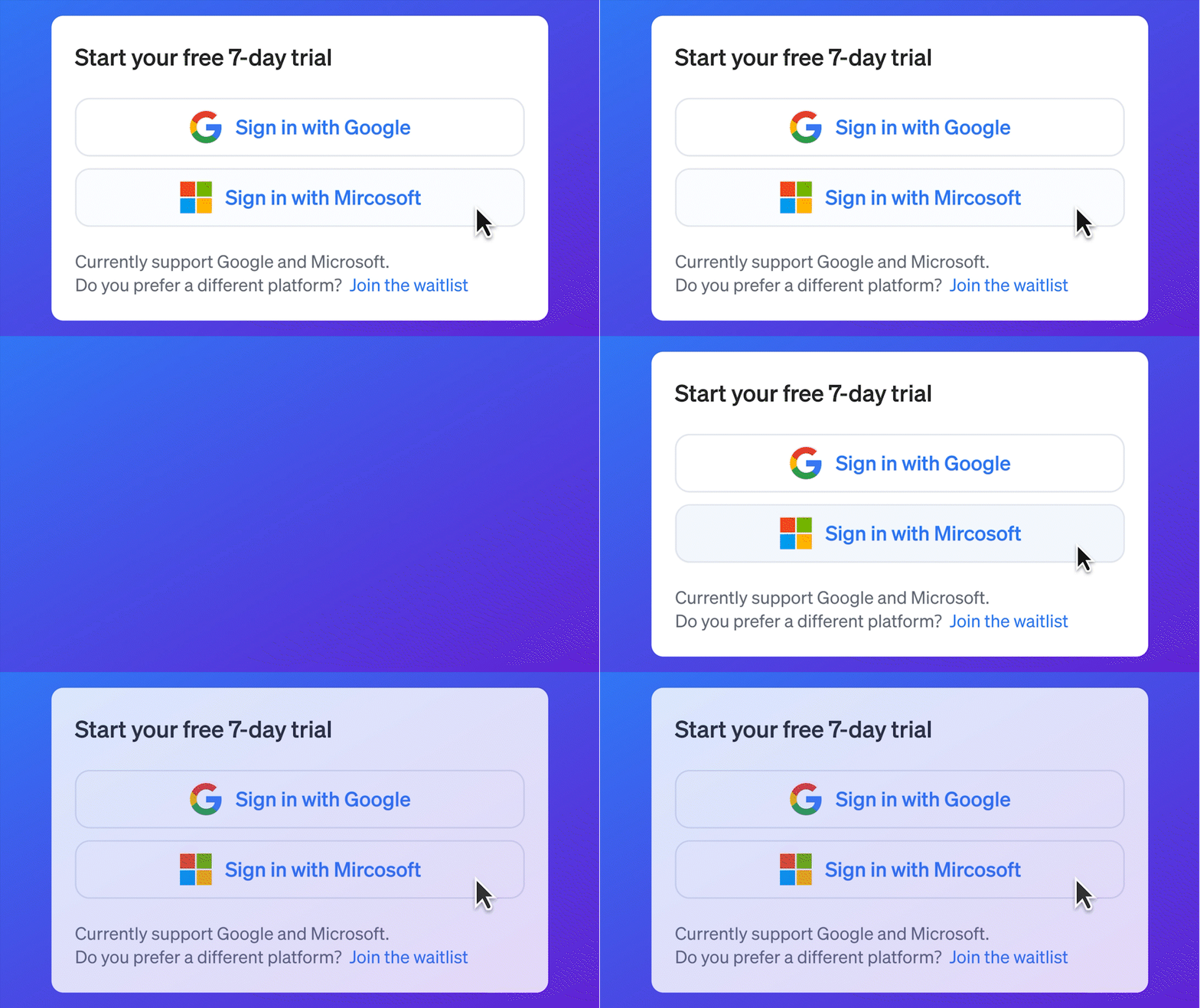
Added Microsoft authentication alongside Google Sign-In, providing more flexible SSO options and a streamlined onboarding experience.
Knowledge Base Enhancements
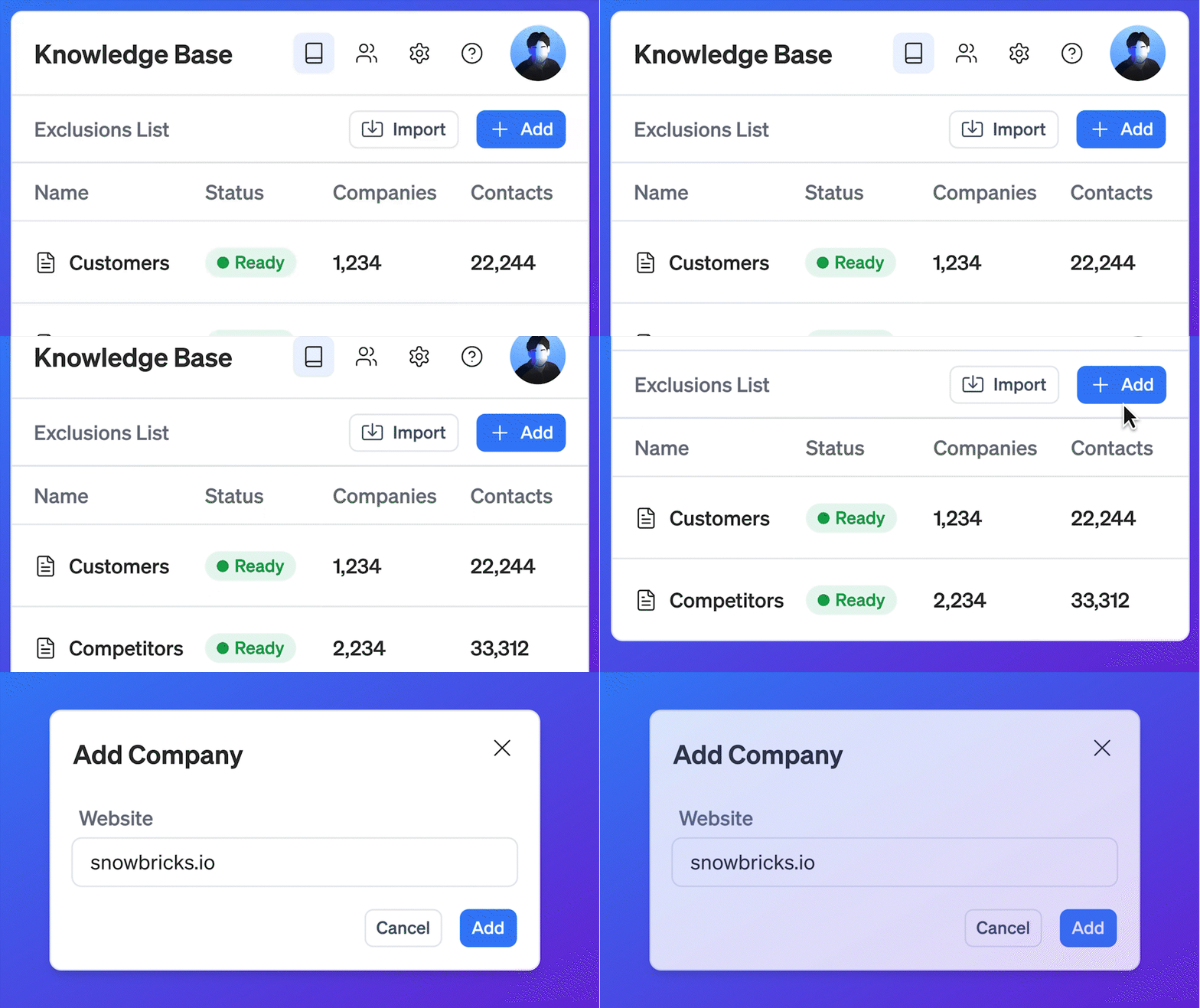
Expanded exclusion list capabilities with support for creating and importing multiple exclusion lists, including existing customers, competitors, unsubscribers, and other custom segments.
Location-Based Enrichment
Introduced IP-based location enrichment to provide better visibility into visitor and company locations across the platform.
Campaign & Workflow Improvements

Enhanced campaign configuration and workflow management with improved usability, stability, and support for applying multiple exclusion lists to a campaign.Slack Notifications
LinkedIn Messaging Enhancements

Added LinkedIn read receipts and improved conversation visibility, making it easier to track engagement and manage outreach.
Workspace & Engagement Visibility Updates

Improved workspace-level controls and visibility for engagement channels, providing greater flexibility in managing communication preferences.
On-Demand Contact Enrichment

Enabled on-demand lookup of email addresses and phone numbers, allowing users to enrich contact records as needed.
Target List & Multi-Select Enhancements
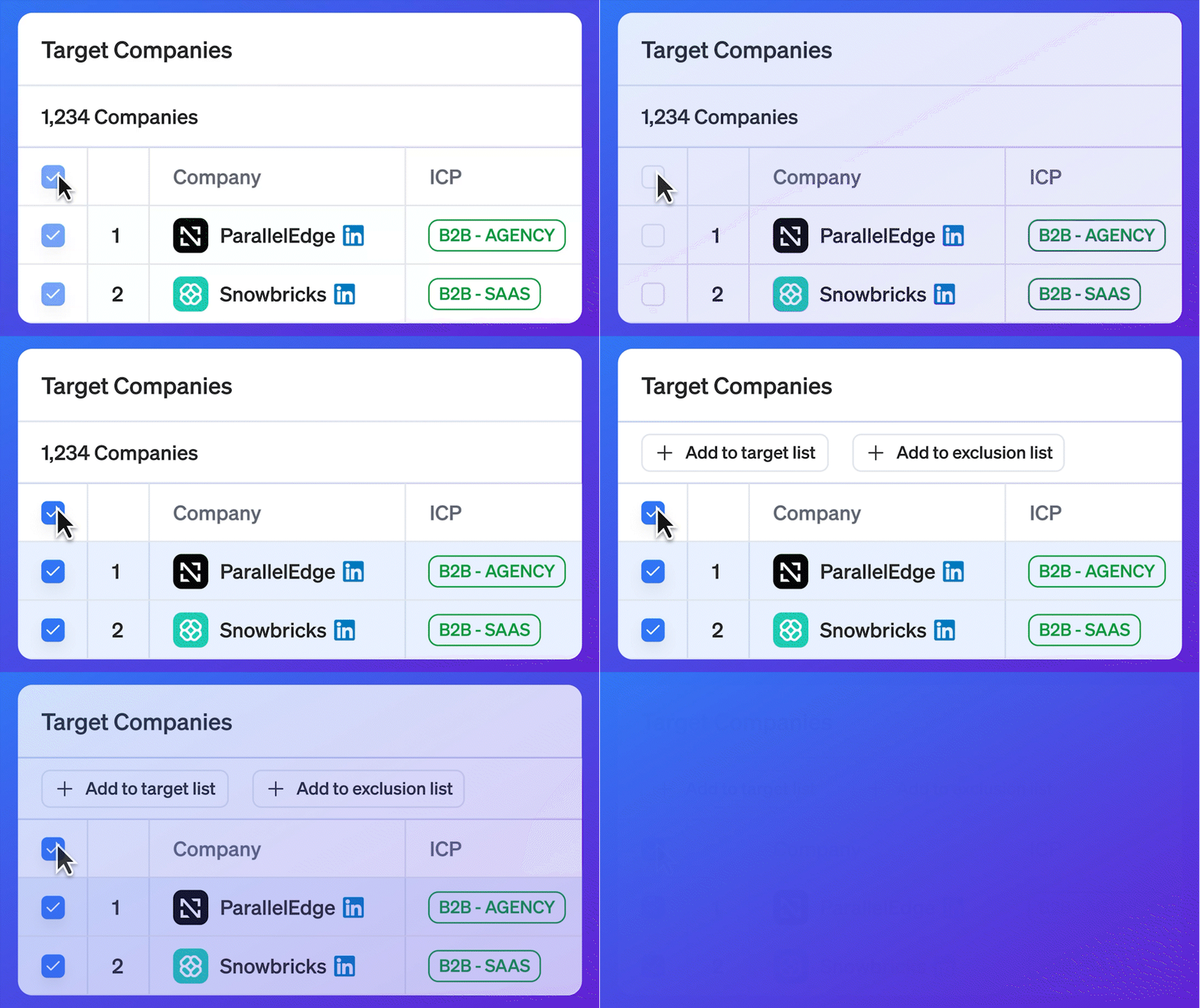
Improved target list creation and management with enhanced multi-select capabilities and streamlined default list configuration.
Engagement Configuration Updates

Refined engagement settings and channel configuration behavior to provide a more consistent experience across workspaces and communication channels.
iMessage comes to Campaigns

Campaigns now support iMessage as a first-class channel alongside Email and LinkedIn.
Add iMessage steps to Workflows, reach Target Contacts with phone numbers, and keep the entire conversation tied back to the Campaign, Target List, ICP, Persona, and company context in 1eyeᴬᴵ.
When iMessage is not available for a Target Contact, messages can fall back to SMS when available.
A cleaner way to manage Conversations

Conversations now have a more focused, easier-to-review experience across Email, LinkedIn, iMessage, and SMS.
Your team can quickly move between Positive, Neutral, Negative, Drafts, Discarded, and Not Delivered views, then search and filter conversations by channel, campaign, company, intent, status, and recent activity.
The result is a faster follow-up workflow, especially when multiple channels are running at once.
Signals are easier to act on

Signals are now organized around the two views GTM teams care about most: Company and Contact.
View by Company gives you account-level signal activity, ICP evaluation, firmographic context, technographic context, related contacts, and export options.
View by Contact gives you person-level signal activity, Persona evaluation, title, company context, and the activity needed to decide who deserves follow-up.
Campaign Insights

Campaigns now surface clearer insights across target companies, target contacts, channels, replies, and intent.
Use Campaign Insights to understand which ICPs are engaging, which Personas are responding, how conversations are trending, and where your team should improve targeting, messaging, and workflow design.
Slack Notifications

Slack notifications now help your team act on important GTM activity as it happens.
Send key updates into Slack, including ICP website visits, Persona activity, and other high-value Signals, so your team can move faster on the accounts and contacts showing intent.
Credits and Billing

Credits and billing are now easier to understand and manage.
Settings → Usage now gives admins visibility into credit usage, remaining credits, billing cycle activity, and usage details. You can also export usage data as a CSV for review, reporting, or planning.
Monthly plans are now available, making it easier to start, upgrade, and scale as usage grows.
Agency Workspaces

Agencies can now manage multiple client workspaces from one place.
Create client workspaces, invite team members, collaborate across accounts, and keep each client’s Signals, Targets, Campaigns, and Conversations organized separately.
This gives agencies a cleaner operating model for running GTM motions across many clients without mixing data or workflows.
Conversation Intent

Conversation Intent now helps teams understand what replies actually mean.
1eyeᴬᴵ can classify Email and LinkedIn replies as Positive, Neutral, or Negative, then assign a reason such as Meeting, Pricing, Info, Later, Referral, Competitor, Budget, No Need, Wrong Persona, or Requested Remove.
This helps your team prioritize high-intent replies, stop outreach when needed, and route follow-up to the right person faster.
Improved Conversations
Conversations are now easier to rev

iew, filter, and prioritize.
Replies are grouped more cleanly, intent is easier to scan, and teams can focus on the conversations that need action instead of digging through raw message activity.
Use Conversations to review replies across channels, understand intent, and decide what should happen next.
Campaigns with multiple Target Lists

Campaigns can now use multiple Target Lists.
This gives teams more flexibility when running outreach across related segments, accounts, or contact groups without rebuilding the same Campaign logic from scratch.
Use this when a Campaign should reach multiple focused audiences while keeping the Workflow, channel strategy, and message structure consistent.
Verified Work Emails

Target Contacts now support verified work email data.
Verified work emails help improve contact quality before Campaigns run, giving teams more confidence that outreach is going to usable business email addresses.
Use verified email data to build cleaner Target Lists and reduce wasted campaign steps.
Expanded Signals

Signals now capture more of the activity that shows target interest.
Website page visits, email opens, LinkedIn activity, and conversation engagement can now come together in 1eyeᴬᴵ, helping teams understand which Target Companies and Target Contacts are active.
Use Signals to move faster from activity to action: review fit, inspect context, and decide which targets should move into a Target List or Campaign.
HubSpot Integration

1eyeᴬᴵ now supports HubSpot workflows for teams that want GTM intelligence connected to their CRM.
Push ICP and Persona context into HubSpot so your CRM can stay aligned with the target company and target contact intelligence inside 1eyeᴬᴵ.
This helps sales, marketing, and operations teams work from the same targeting foundation.
LinkedIn in Campaigns

LinkedIn is now available inside Campaign Workflows.
Add LinkedIn connection request and LinkedIn message nodes to your Campaigns, select a connected LinkedIn account as the sender, and combine LinkedIn with Email steps for a more complete outreach motion.
Use LinkedIn nodes when a Target Contact has a LinkedIn profile and the channel fits your campaign strategy.
Improved Console

Console now gives teams better visibility into Campaign execution.
Search, filter, and inspect workflow activity across executed, pending, and failed nodes. See which node ran, what is scheduled next, and where a contact is in the Campaign path.
Use Console to debug Campaigns, monitor live execution, and understand what is happening at the contact and node level.
Email Reports and Notifications
New email reports and notifications help admins stay on top of GTM activity without checking the product constantly.
Daily reports can highlight ICP and Persona website visits, while Campaign status notifications keep teams informed about Campaign progress and execution.
CSV Exports

Companies, Contacts, and Signals can now be exported as CSV files.
Use exports to review data outside 1eyeᴬᴵ, share lists with teammates, analyze GTM activity, or support reporting and planning workflows.
AI Email Drafts and Reply Classification
1eyeᴬᴵ can now help draft campaign-ready emails and classify email replies.
Use AI-assisted drafts to move faster when building Campaign messages, then use reply classification to understand which responses need follow-up, review, or exclusion.
Auto-Send and Auto-Draft Workflows

Campaigns now support auto-send and auto-draft workflow modes.
Use auto-draft when your team wants to review messages before they go out.
Use auto-send when the Workflow, Target List, messages, and channels are ready to run automatically.
1eye Vision Snippet

The 1eye Vision snippet is now available.
Install the snippet on your website to capture Website Signals, identify visiting companies and contacts when available, and evaluate activity against your ICPs and Personas.
This turns website activity into GTM intelligence your team can use for Target Lists, Campaigns, and follow-up.
Guided Onboarding

New guided onboarding helps teams get started faster.
Admins can follow a structured setup path to create the workspace, install the Vision snippet, review the Knowledge Base, invite users, and understand Credits.
The goal is simple: get from setup to signal capture to Campaign readiness with less guesswork.
Campaigns

Campaigns are now available with Workflows and Console.
Use Workflows to build agentic outreach paths across channels. Use Console to monitor execution at the contact and node level.
Together, Campaigns help teams move from Target Lists to contextual outreach with clearer control over timing, messaging, and follow-up.
Personalized Campaign Messages

Campaign messages can now be written by ICP and Persona.
This lets teams tailor outreach for different company segments and target contact types instead of sending one generic message to every person.
Use ICP-level messaging when the company context changes. Use Persona-level messaging when different roles care about different outcomes.
Import Companies and Contacts

CSV import is now available for Companies and Contacts.
Bring existing account lists and contact lists into 1eyeᴬᴵ, then use enrichment, ICP evaluation, Persona evaluation, Target Lists, and Campaigns to turn imported data into action.
Test Emails

Campaign Workflows now support test emails.
Send test emails before launching a Campaign to validate subject lines, message formatting, variables, and sender setup.
This helps teams catch issues before messages reach Target Contacts.
Website Signals to Target Lists

Website Signals can now help build Target Lists.
When companies or contacts show activity on your website, 1eyeᴬᴵ can help turn that signal activity into Target Companies and Target Contacts based on ICP and Persona fit.
This makes it easier to act on warm intent instead of relying only on static lists.